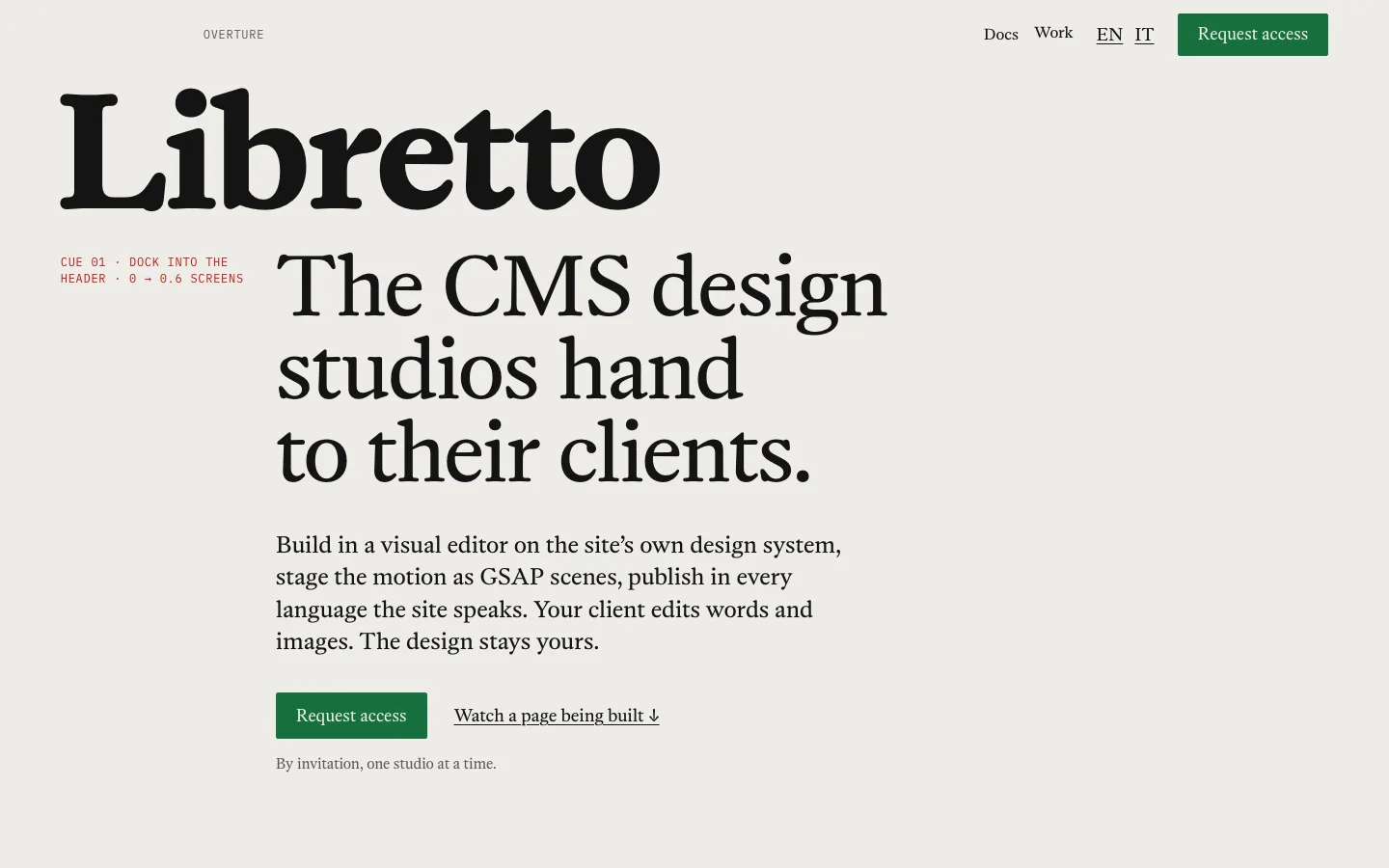
Cue 01 · Dock into the header · 0 → 0.6 screens
The CMS design studios hand to their clients.
Build in a visual editor on the site’s own design system, stage the motion as GSAP scenes, publish in every language the site speaks. Your client edits words and images. The design stays yours.
Cue 04 · Read along · line at 70%
Studios lose their best work at the handover. The client opens the CMS, changes a heading and the grid gives way. The motion that took a week lives in a developer’s branch. The Italian version arrives as a PDF. Libretto keeps the parts apart: the design system is yours, the motion is staged in scenes, and the client gets the words, in every language the site speaks.
Act I
The score: one design system per site
Colour, type, space and shape are tokens of the site, with themes for the dark sections. Each component has its variants, sizes and states, such as hover, pressed and disabled, set per breakpoint in one table. Change the accent once and every button, link and tab that uses it follows. A save that would drop a text below AA contrast is refused before it reaches the site.
No appearance in content.
A page stores words, images and the variant it draws, never a colour or a size.
Promote a one-off.
A style born on one element becomes a variant of the component, ready everywhere.
Your fonts, on your site.
Google Fonts are self-hosted with their licence on record, or upload your own WOFF2.

Inspector · this page’s own tokens
font.size.display-xl · Softcore Bold · 44→88 px · 0.9
font.size.display-l · Softcore Italic · 34→64 px · 1.02
font.size.body · Softcore Regular · 17→18 px · 1.55
font.family.mono · IBM Plex Mono · 12 px · +0.06em
paper #EDECE8
ink #141414 15.6:1
cue #B81F18 5.47:1
go #17703D 5.19:1
Act II
The staging: motion as scenes, not code
Pick an element, pick a recipe, set its knobs. Libretto writes the GSAP timeline with ScrollTrigger and plays it on the published page: pinned, scrubbed, or timed to the first scroll. Every scene has a reduced-motion version, so a visitor who asked for less movement sees the final state, not a broken page.
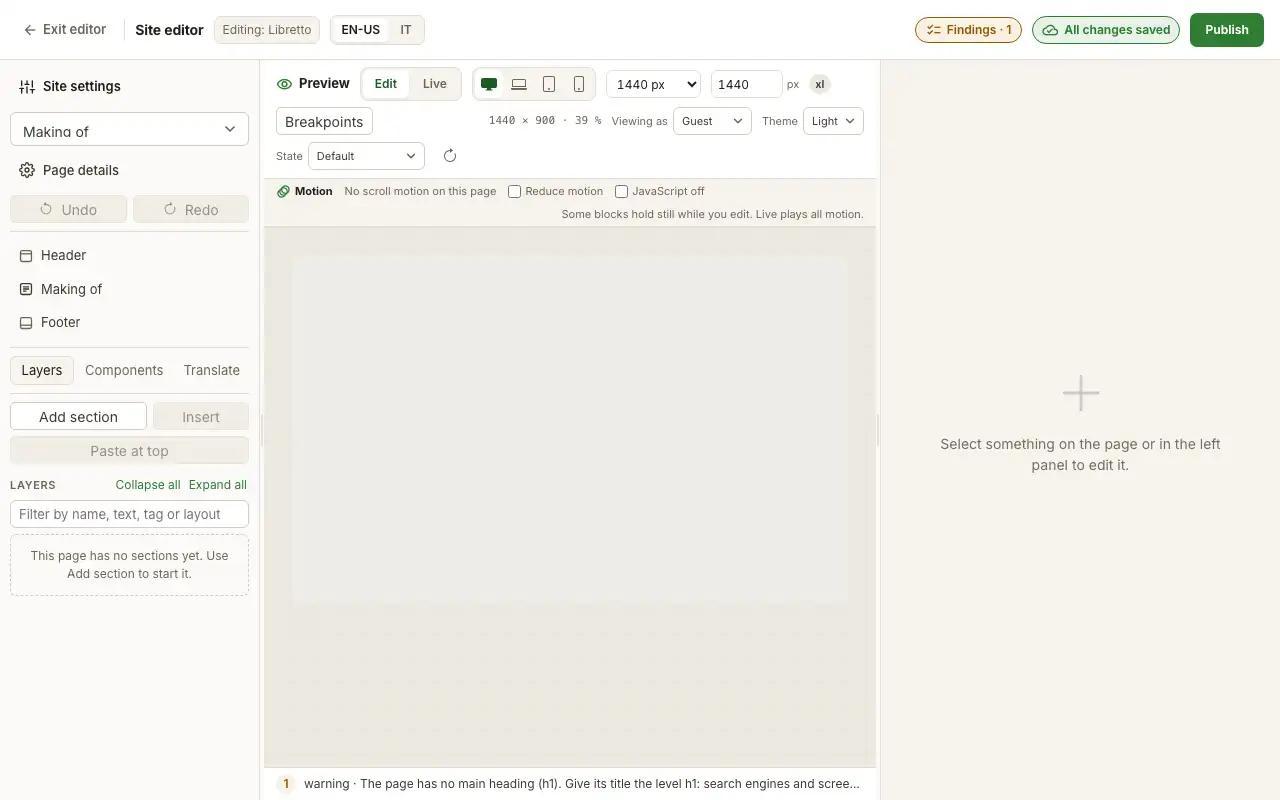
Cue 05 · Image sequence on scroll · 72 frames · pinned for 3 screens · six steps
- 01A blank page: no header, no footer, nothing on it yet.
- 02The wordmark takes its size from the type tokens, one step at a time.
- 03The site’s header comes in. It holds the slot the wordmark will dock into.
- 04The headline, the lead and the button, written in the inspector.
- 05Dock into the header, picked from the motion recipes.
- 06The preview scrubs the scene: the wordmark travels into the header.
The programme
Arrival
Intro on the first touch · Build up on the first touch · Dock into the header · Menus appear
Across the page
A word per section · Invert over photos · Snap to panels
On scroll
Reveal on scroll · Parallax · Read along · Payoff pushed away · Hide after scrolling · Image sequence on scroll
On stage, ready as components
Marquee · Image trail · Spotlight reveal · Image sequence · Horizontal scroll · Before and after · Expanding panels · Carousel · Kinetic text · Stat counter · Mega menu
Scenes and recipes in the guide →Act III
The words: your client writes, the design holds
Invite your client as a content author. They change texts and images in the same editor and cannot touch tokens, variants or scenes. Activity shows who changed what, and when.


Before and after · EN / IT · this page. Drag, or use the arrow keys, to read it in Italian.
Up to twelve languages per site, side by side in the inspector. A text not translated yet shows the main language until someone writes it, so no page goes blank. Every page declares its language pairs to search engines with hreflang, in the head and in the sitemap.

Repertoire
Cue 07 · Project index · peek
Sites in production on Libretto. Open one, then open its source in the guide: every effect on it is a recipe you can set.
Act IV
Opening night: preview, publish, roll back
Preview the draft as visitors will see it, at every breakpoint and in every language, and as a guest or a member. Publish with a note: every publish is a version. If a page has a problem, the publish stops and names the element to fix. Activate an older version and it is live again, with the current draft set aside, not lost.

Pages are rendered on the server. The HTML already holds every word, the styles and the main image, so the page paints before the scripts arrive, and search engines read all of it. The publish page shows the site’s real-visitor Web Vitals: LCP, INP and CLS at the 75th percentile.
Publish and versions →

Cue 08 · Spotlight reveal · draft under, published over
The prompter
The prompter: agents work beside you, through the same operations
In opera the prompter feeds lines from the box; the singer decides. In Libretto every change is an operation, and the editor, the CLI and the MCP server run the same ones.
Connect an agent to /api/mcp and it gets five tools. It sees only the operations its role allows, can try a batch as a dry run before applying it, and every batch writes a line in the audit log. Undo reaches its changes as it reaches yours.
site_context
who the agent is, on which site, with which role
discover_operations
the operations its role may run, with their inputs
read_resources
pages, trees, outlines, the design system
dry_run_ops
a batch tried and rolled back, with its findings
apply_ops
the batch applied, one line in the audit log
A real session on this site, run through the CLI and shortened; the last two lines are its rows in the audit log.
agent > Tighten the manifesto's measure to 28ch. $ splash context site libretto · theme standalone · role admin $ splash apply batch.json --dry-run tree.commit set_style oqqzd0zj p:body { max-width: 28ch } dry run changed · tree revision 1 → 2 · rolled back findings a11y.heading-order (warning) · structure.empty-box-paint ×4 $ splash apply batch.json applied request d8e4dad6 · tree revision 2 audit #261 10:11:42 admin mcp:dry_run_ops dryRun true audit #262 10:11:51 admin mcp:apply_ops dryRun false
Backstage
- Members
- Sign-up, confirmation and sign-in on the site. Sections and pages for members or roles are never sent to guests, not even in the source.
- Forms
- An inbox per form, CSV export, recipients, privacy consent, a field only bots fill, a minimum fill time.
- Site components
- Build a part once and place it as instances that keep their own overrides.
- Menus
- One menu feeds a mega menu on desktop and a drawer on phones.
- Ready parts
- Search, table of contents, tabs, FAQ, timeline, comparison table, event calendar, gallery with filters: all styled by the site’s design system.
- Site package
- Export a site’s draft as a package of its pages, components, menus and media, and import it into a fresh site.
Questions
It is a visual CMS like them, built around three things studios keep asking for: a design system per site that the client cannot override, motion authored as GSAP scenes in the editor, and agents that work through the same audited operations you use. Pages are server-rendered and hosted by Libretto.
Not from the content. A page stores words, images and which variant a component draws, never a colour or a size, and a content author cannot open the design system or the scenes. Activity shows every change, and any published version can be made live again.
No. You pick an element and a recipe (pin, scrub, image sequence, read-along, dock into the header and others) and set its knobs in the motion panel. Each recipe has a reduced-motion version built in.
The words, styles and main image are in the server’s HTML, so the page paints before any animation code arrives, and visitors who ask for reduced motion get still pages. The publish page shows real visitors’ LCP, INP and CLS, so you see the cost of every scene you add.
Up to twelve languages per site. Every text, including each page’s title and description, has a box per language; untranslated text shows the main language. Pages declare hreflang in the head and the sitemap, and FAQ and organisation markup are generated for you.
Only as far as its role allows. An agent connects through MCP, sees only the operations its role may run, can dry-run a batch before applying it, and every batch is written to the audit log. Undo reaches its changes as it reaches yours.
Yes: each site can be served on its own domain, set up with us.
A site’s draft exports as a package of its pages, components, menus and media, which another Libretto workspace can import.
Access is by invitation while we onboard the first studios; we agree the price with each studio before its first site goes live.
A person reads it and replies by email within 2 working days. If it’s a fit, we create your studio’s workspace and send you an invite to set your password.
Cue 10 · Reveal on scroll
Bring one project. We’ll open the house.
Request access
Tell us who you are and what you would build. A person reads every request. No newsletter: we write only about your request.